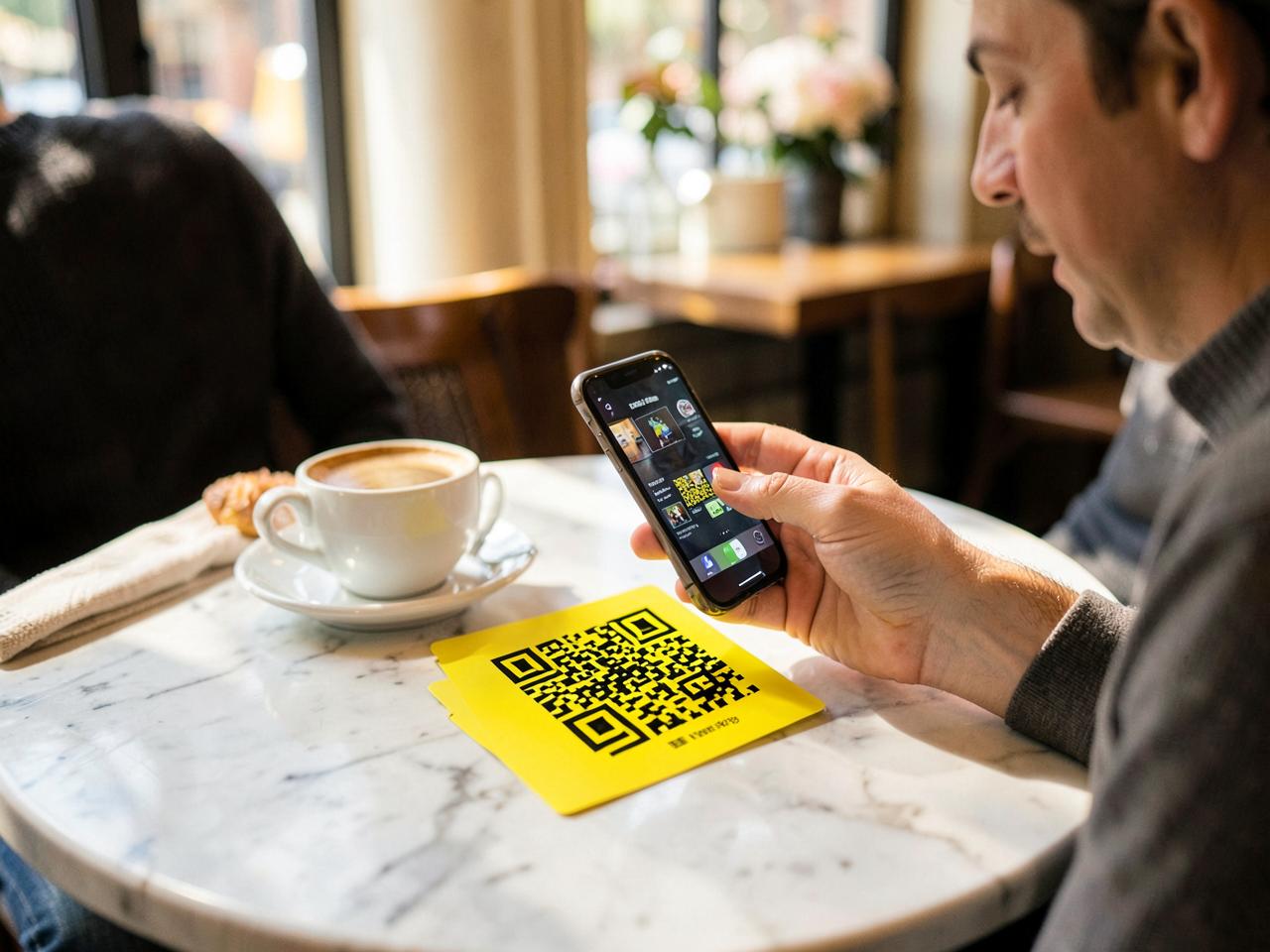
The guest side
Four taps, start to finish.
01
Scan the table card
The camera opens your menu — no app, no login, no typing a table number.
02
Browse and choose
Photos, prices, veg markers, add-ons and notes like 'less ice'.
03
Place the order
One tap sends it, already tagged with the correct table.
04
Watch it cook
Sent → Accepted → Cooking → Ready → Served, live on their phone.
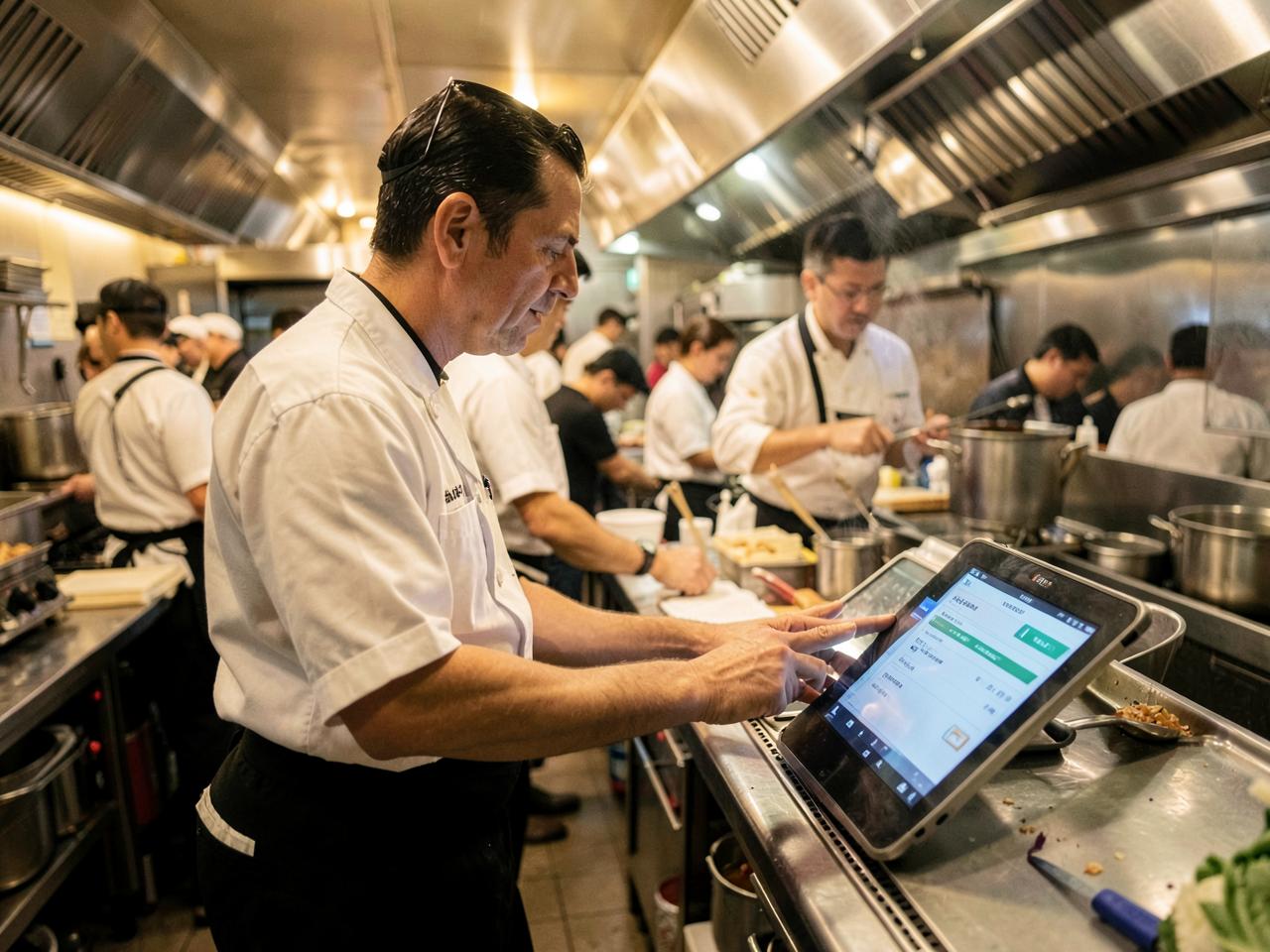
Your side
One board runs the room.
Live orders
Every new ticket lands with a notification. Accept or reject in one tap.
Kitchen view
Four columns at the pass. Start cooking, mark ready, mark served.
Tables
See which tables are ordering, waiting or clear — at a glance.
Analytics
Revenue, average order value, busiest hours and best sellers.
Try it on one table tonight
Set up free, print a single card, and see a real order land on your board.
Get started